
Process trends, SPC alarms and forecasts in one web app
Engineers at North American Stainless read process data through a desktop PI client. We built Trend Client, a web app that charts any tag from the PI historian, applies SPC limits and smart alarms, and forecasts where a trend is heading.
- Manufacturing · Steel
- Legacy modernization
- 2026
Process data locked in a desktop client
Every line at the mill writes its process tags to the OSIsoft PI historian, down to readings from the slab caster mold. Engineers explored them in a desktop PI client.
The mill wanted the same depth in a browser, on any screen, with statistical process control and alarms next to the charts instead of in a separate tool.
From a tag tree to a forecast
- 01
Tag tree
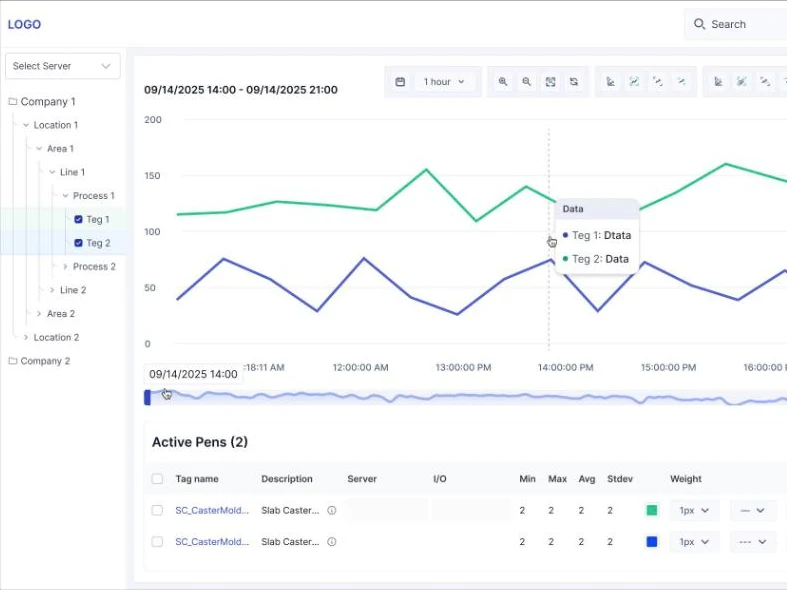
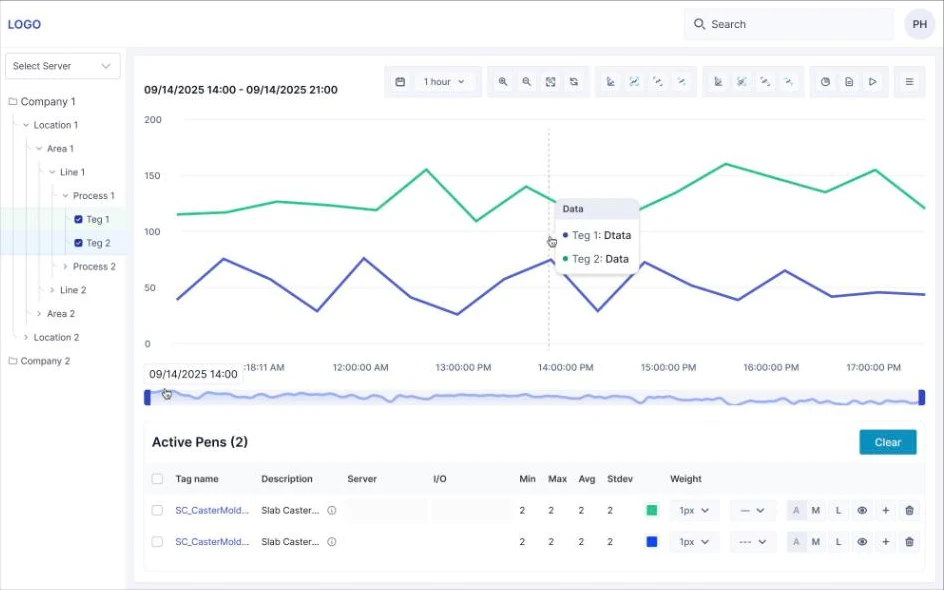
Server, company, location, area, line and process, down to the tags. Tick a tag and it appears on the chart.
- 02
Pens and charts
Each tag is a pen with its own colour, weight and style, on a time range with zoom, a range navigator, crosshair and line cursors.
- 03
Statistics
Min, max, average and standard deviation for every pen over the visible range.
- 04
Derived tags
New tags computed from existing ones, plus custom aggregation tags.
- 05
SPC and smart alarms
Control limits on process tags and alarms when a process drifts out of them.
- 06
Trend forecast
A projection of where a tag is heading, next to its history.
- 07
Working tools
Live mode, annotations, data export, print, and trends saved to folders or shared with the team.
The same platform as FLOW
Trend Client runs on the platform we built for FLOW at the same mill: a React and TypeScript front end, Node.js services, Kubernetes on VMware Tanzu.
Results
- 01
In production
Engineers read PI trends, SPC limits and alarms in the browser since 2026.
- 02
Any screen
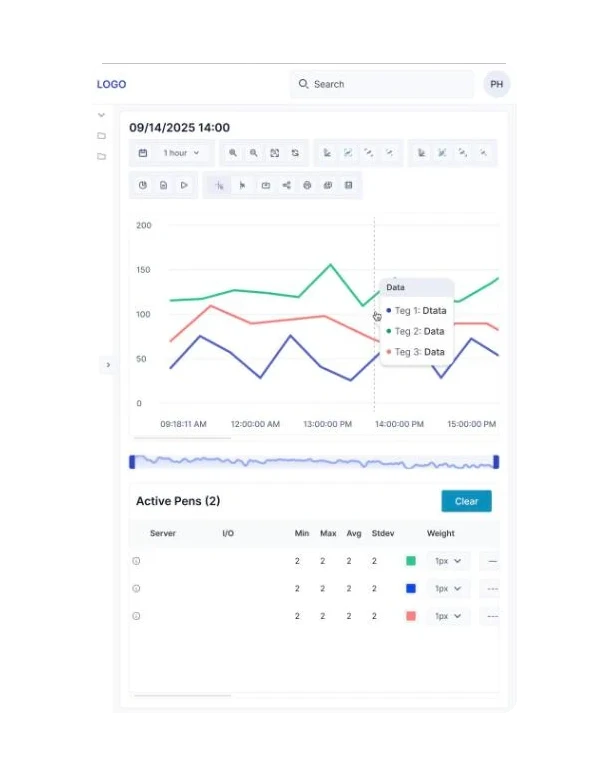
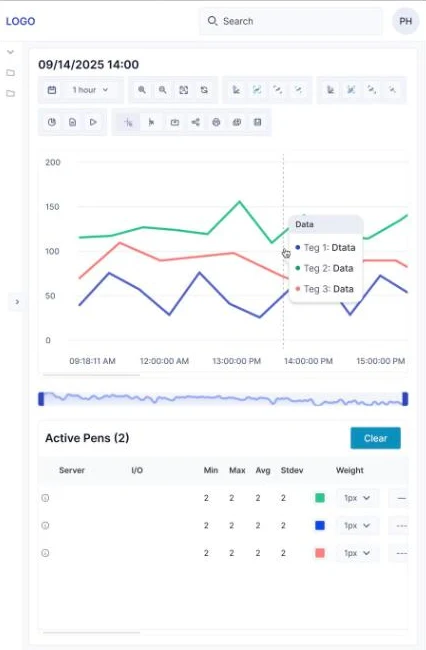
The same trend opens on a desktop, a tablet or a phone.
- 03
Saved and shared
Engineers keep trends in folders and share them with the team.
Your historian, in the browser
If your engineers still read process data through a desktop client, we can put it in a web app your team opens anywhere, with the alarms and statistics they need beside it.
Tell us the outcome.
We will write your case study
Discovery in two weeks. ROI proposal after. Public case study optional, by your choice.