
Legacy steel mill software, replaced with one web app
North American Stainless ran its production lines on aging, high-risk software. We built FLOW, one web app where operators and inspectors run a line, and it now runs the Slitter 1 line.
- Manufacturing · Steel
- Legacy modernization
- 2025
Old software that only veterans could run
North American Stainless makes stainless steel in the US. Its lines ran on aging, high-risk software with complex equipment screens, and many of the people who knew them best were nearing retirement.
Read more
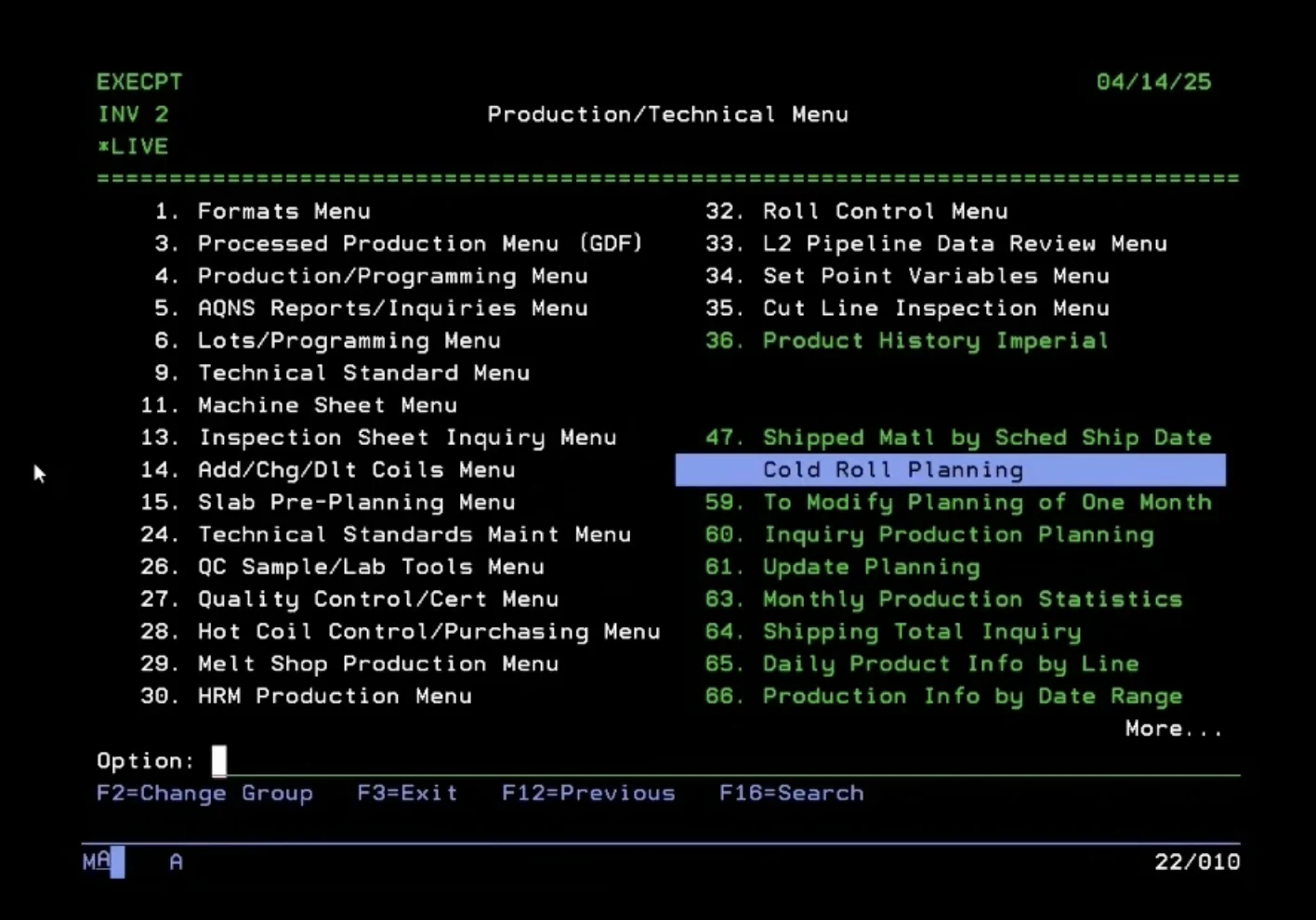
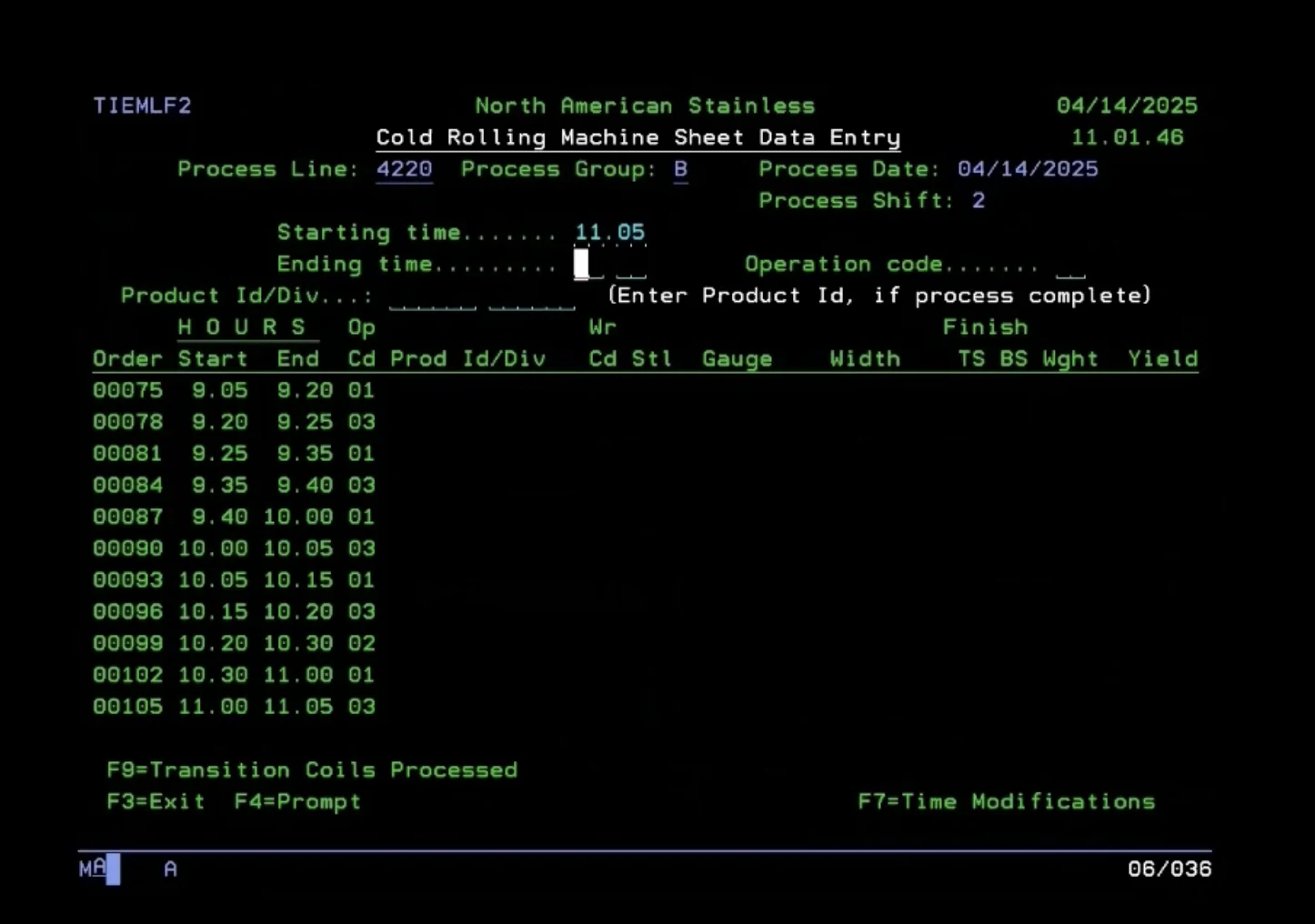
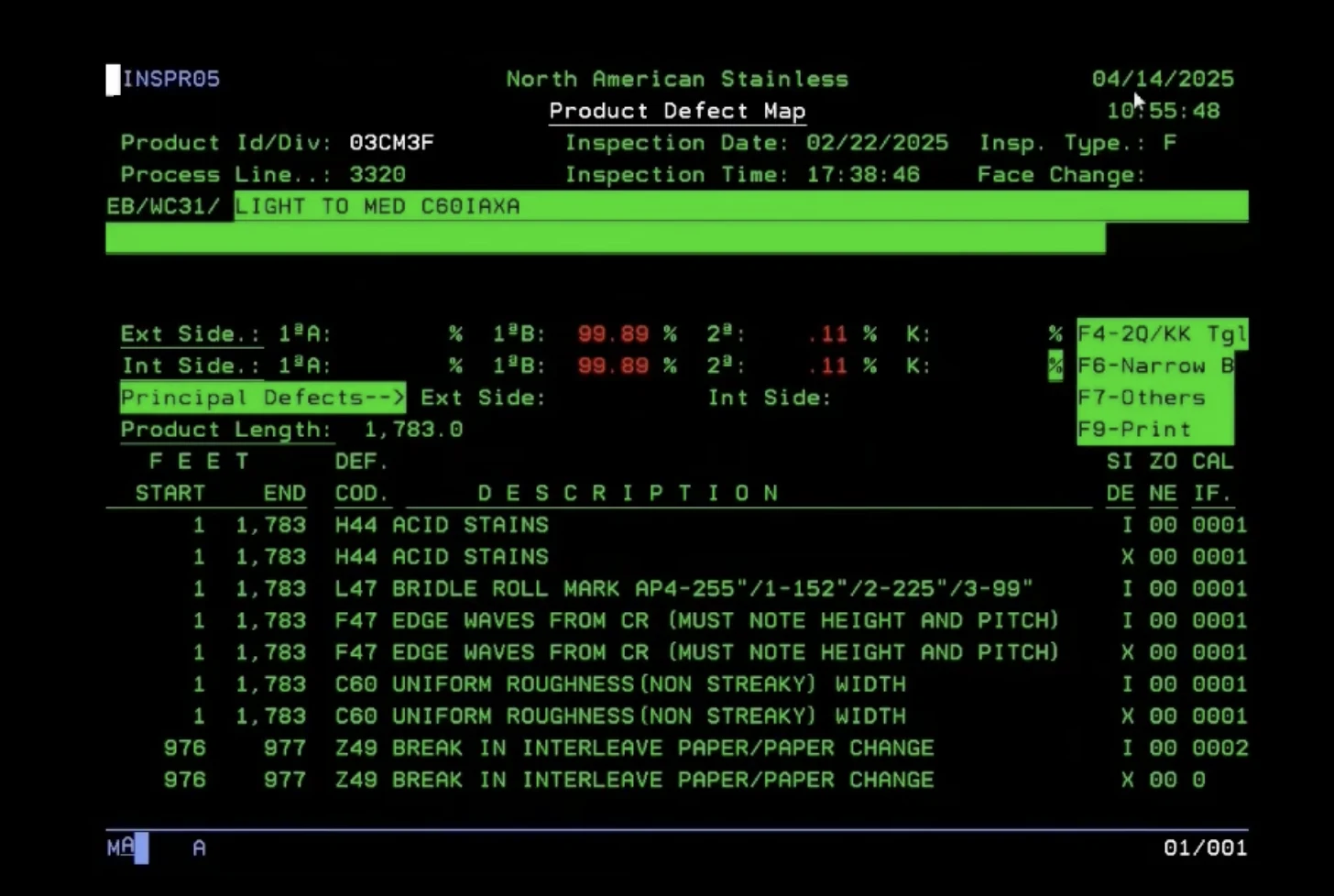
The old system was a green-screen terminal app: every job sat behind numbered menus and function keys.
The mill wanted one modern interface for each line, built for the Full-HD desktops on the shop floor. It had to keep working with the existing backend, and it could not lose a record when the plant network dropped.
Requirements rebuilt from the shop floor
We joined a project already in motion, with no discovery phase and no baseline documents. So we reverse-engineered the requirements.
Read more
- 01
Screencasts of the old system
We recorded inspectors and operators at work, split the videos into screenshots and mapped every field they touch.
- 02
Stakeholder interviews
Short, repeated sessions with the line and product owners turned each finding into a written rule.
- 03
Feedback from day one
The Active Directory sign-in shipped first, so users gave feedback while the core services were still being set up.
Each sprint consolidated what we learned into screen specs, data structures and message formats that the mill now owns.
One screen per job, wired to the line
- 01
Dashboard
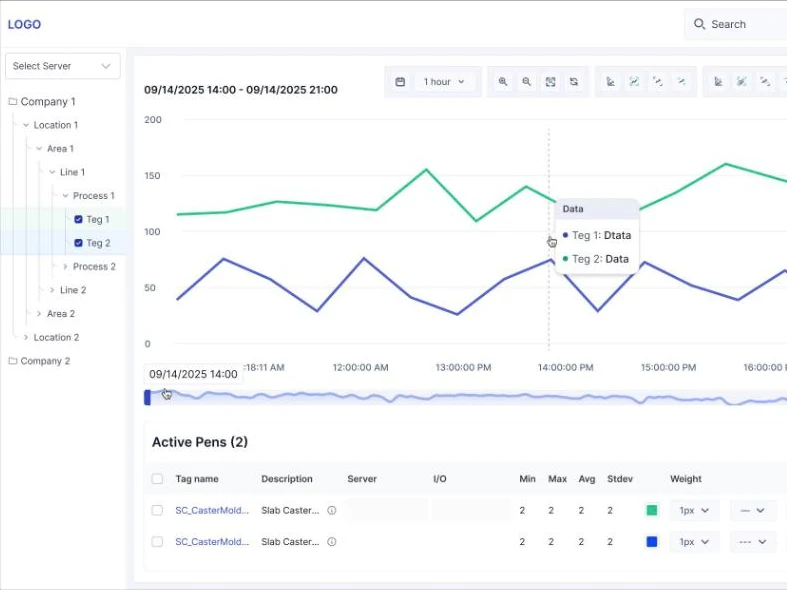
Line and communication status, OEE, delays and defects, refreshed in real time.
- 02
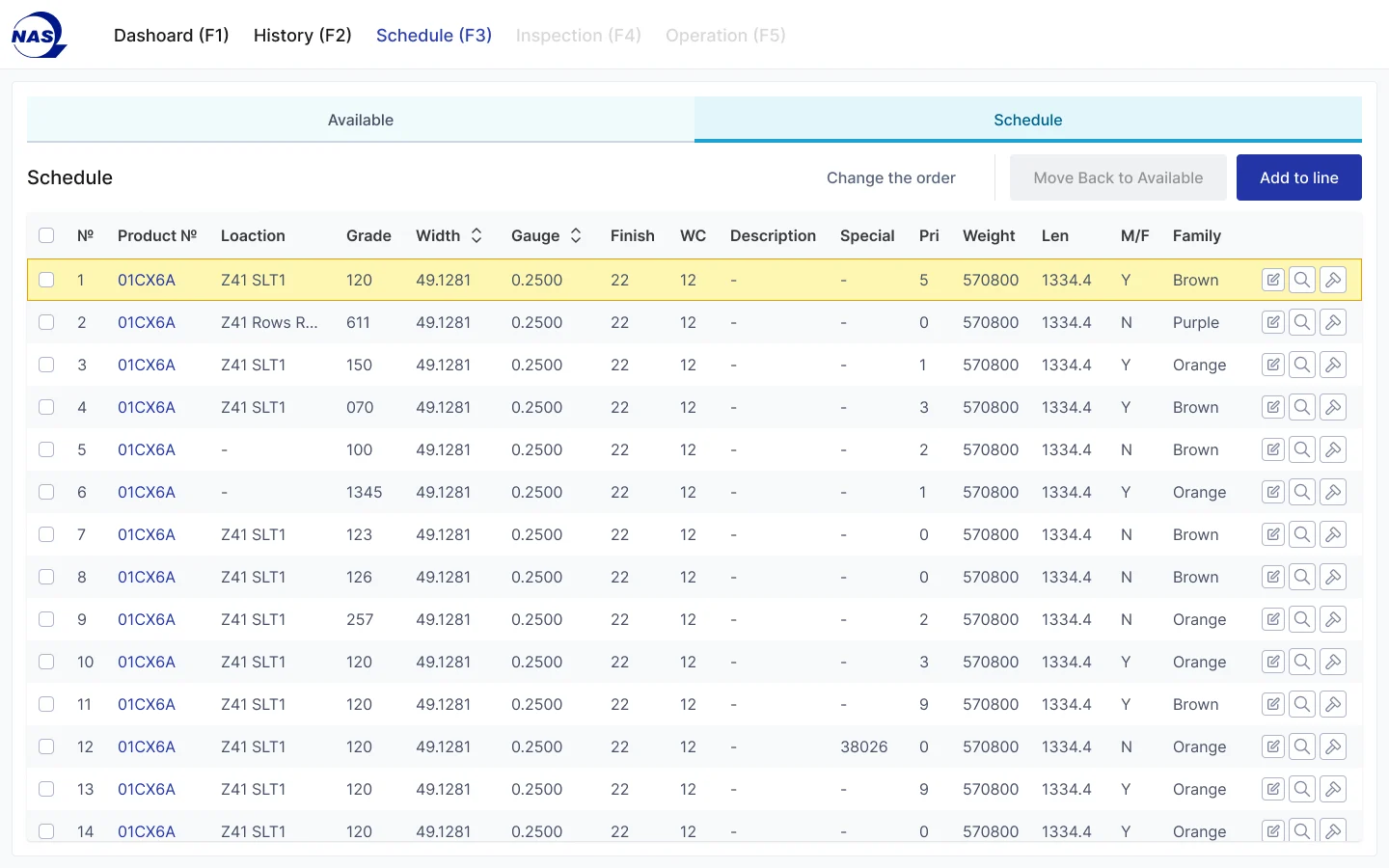
Schedule
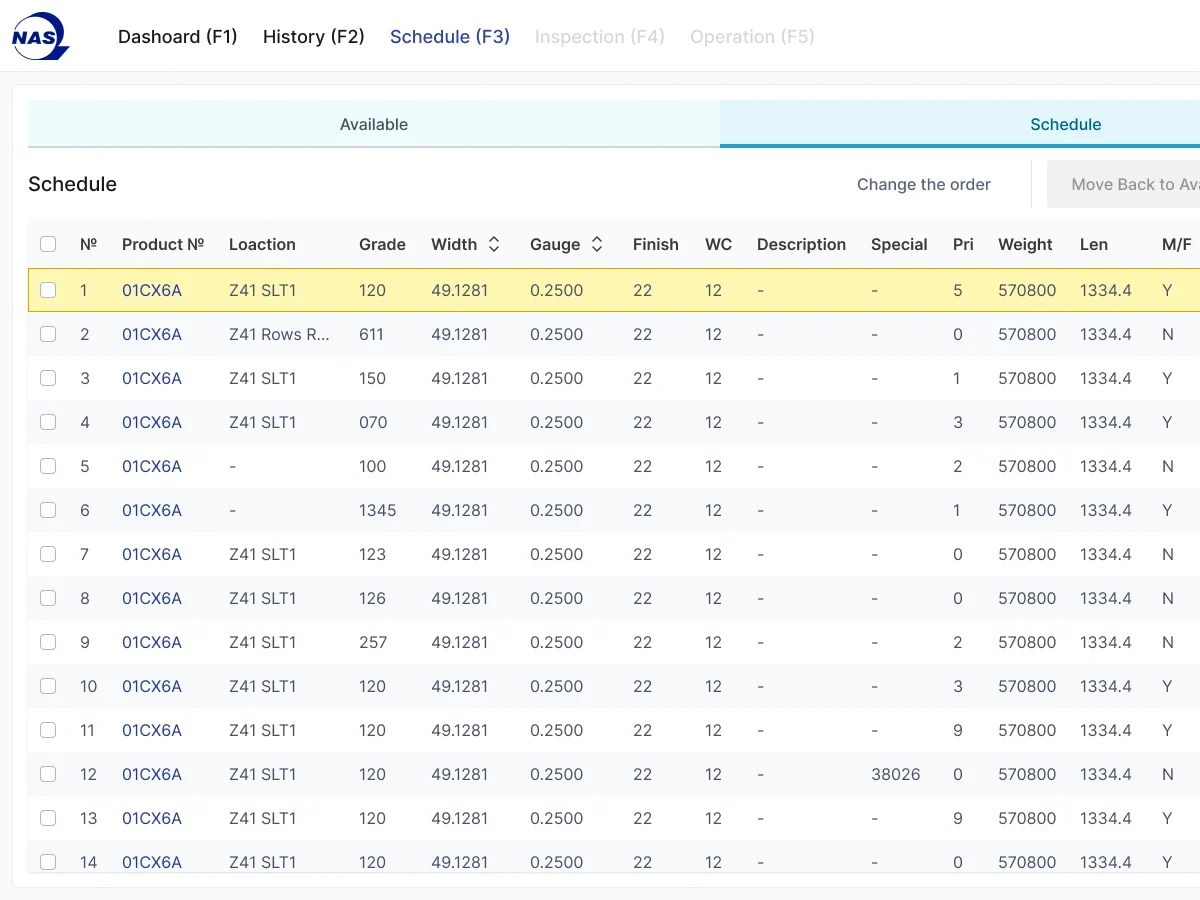
Operators pick coils from the available list and order the queue the line will run.
- 03
Operation
Divisions and cuts, machine sheets, barcode labels, stencil messages and delays that arrive semi-automatically from the PLC.
- 04
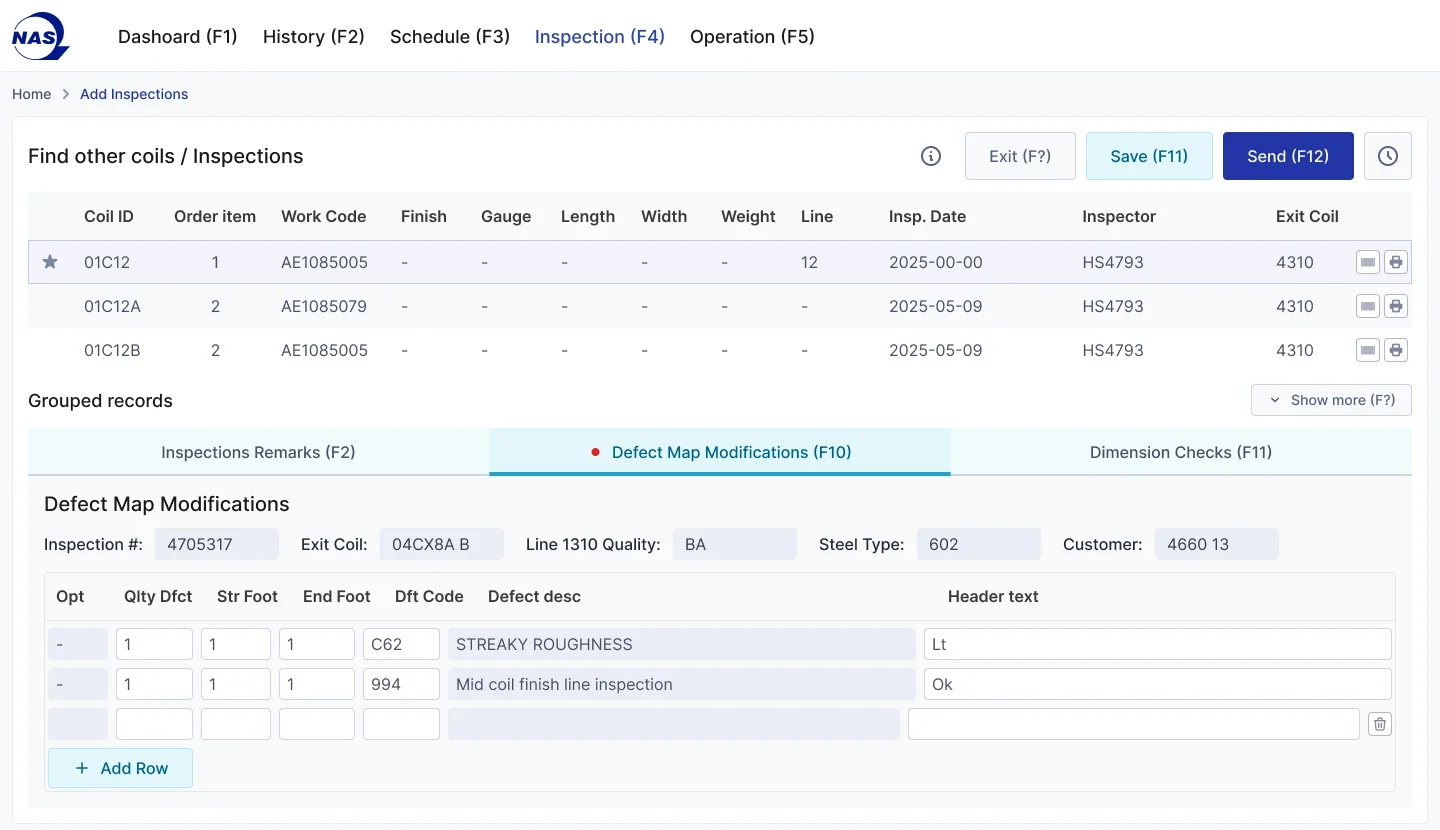
Inspection
Remarks, defect maps and dimension checks. Data entered for one cut carries over to the next, so inspectors do not retype it.
- 05
History
Any processed coil can be found and reopened on its operation or inspection page.
Sign-in runs through the mill's Active Directory, with a permissions matrix per user group and per line.
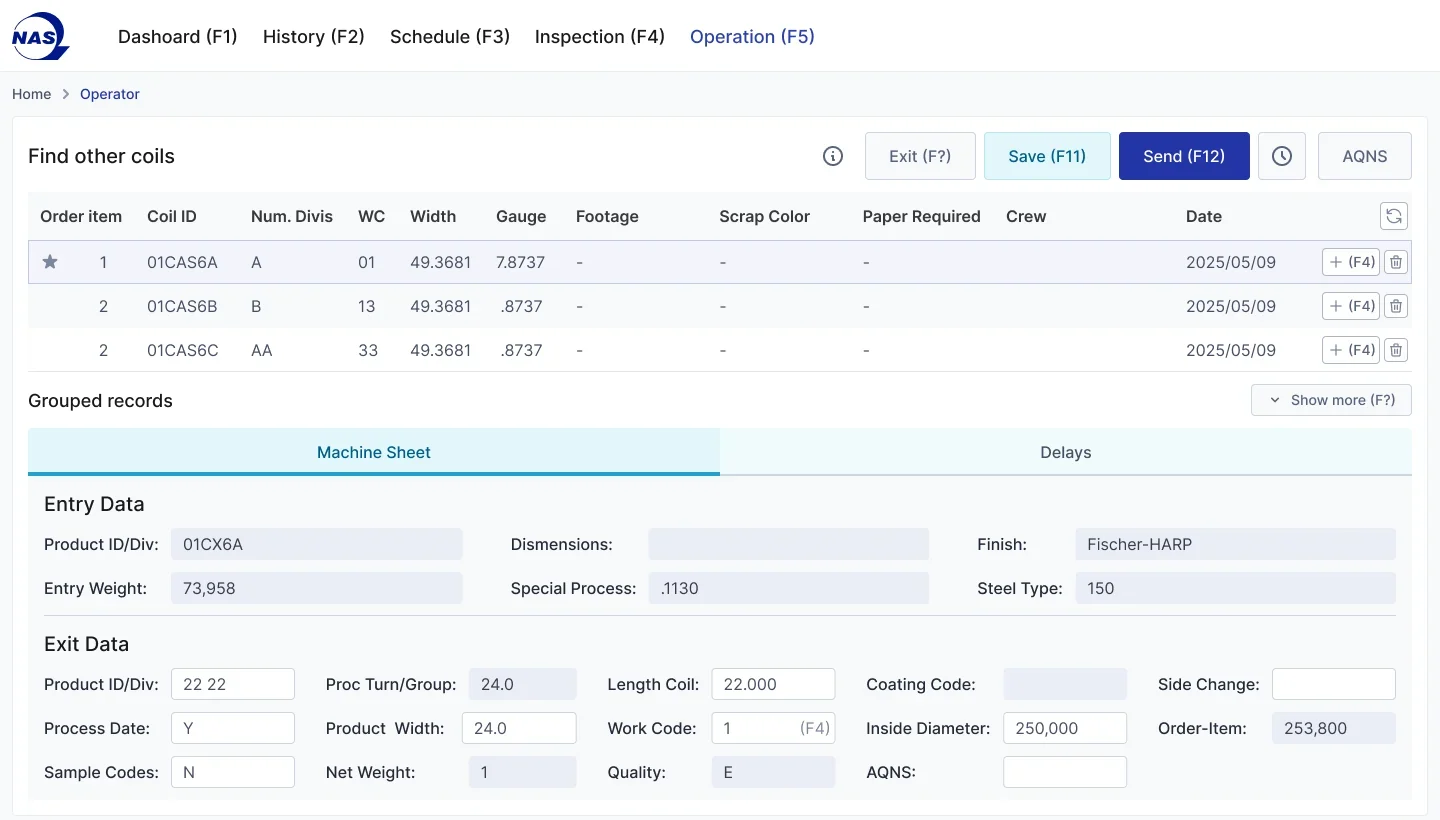
New front end, old backend, no lost data
- 01
PDO interface
A custom service translates FLOW data into the legacy formats, so the existing backend keeps working and no history had to be migrated.
- 02
Offline by design
Critical services run in a local cluster. If the network drops, FLOW writes to a local database and syncs on its own when the link returns.
- 03
Equipment messages
Line events travel over MQTT, and PLC tags feed delays and line stats.
- 04
AS/400 link
FLOW sends machine sheets with delay and operation codes, and inspections, to the AS/400 in its own message formats.
- 05
Platform
TypeScript microservices on Kubernetes and VMware Tanzu, Kong as the API gateway, deployed through TeamCity and Helm.
Three engineers and AI in the loop
A full-stack engineer, a DevOps engineer and a UI/UX designer built FLOW. Development ran with AI assistance, which kept a small team fast and makes onboarding another engineer quick if the scope grows.
Read more
Work started on April 15, 2025, and the MVP was ready in September 2025. After acceptance testing, FLOW went live on April 13, 2026. Shift leaders were trained during testing, then onboarded operators at go-live.
- Full-stack developer
- DevOps engineer
- UI/UX designer
- AI assistance
- Apr 15, 2025Work started
- Sep 2025MVP ready
- Apr 13, 2026Live on Slitter 1
Results
- 01
Live on Slitter 1
In production since April 13, 2026. Operators and inspectors run the line in FLOW, and the legacy screens for that line are being retired.
- 02
MVP in five months
From an undocumented starting point to a working line app.
- 03
Nothing lost offline
Local caching keeps every record through network outages.
- 04
Built to repeat
Cold mill, hot mill, melt shop and long products lines are next on the same platform.
Legacy shop-floor software, replaced without a big bang
If your plant runs on screens only a few people understand, we can map them, rebuild them line by line and keep your backend running while we do.
Tell us the outcome.
We will write your case study
Discovery in two weeks. ROI proposal after. Public case study optional, by your choice.